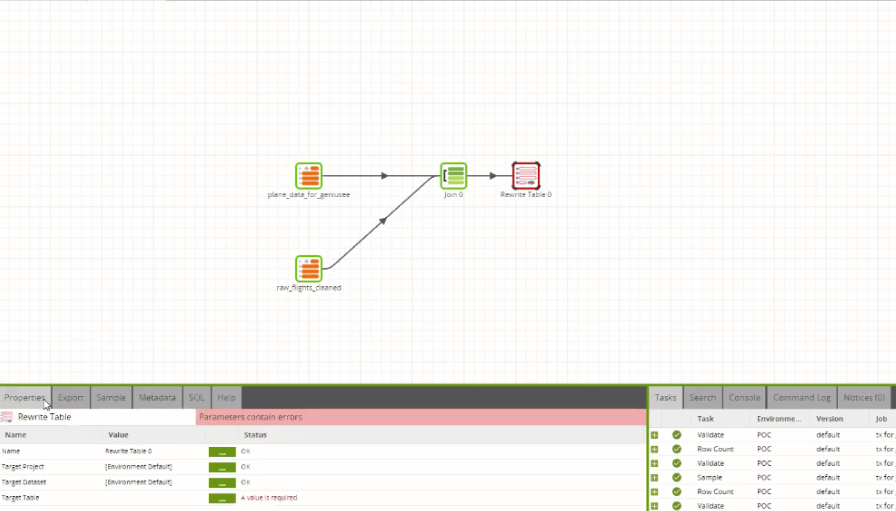
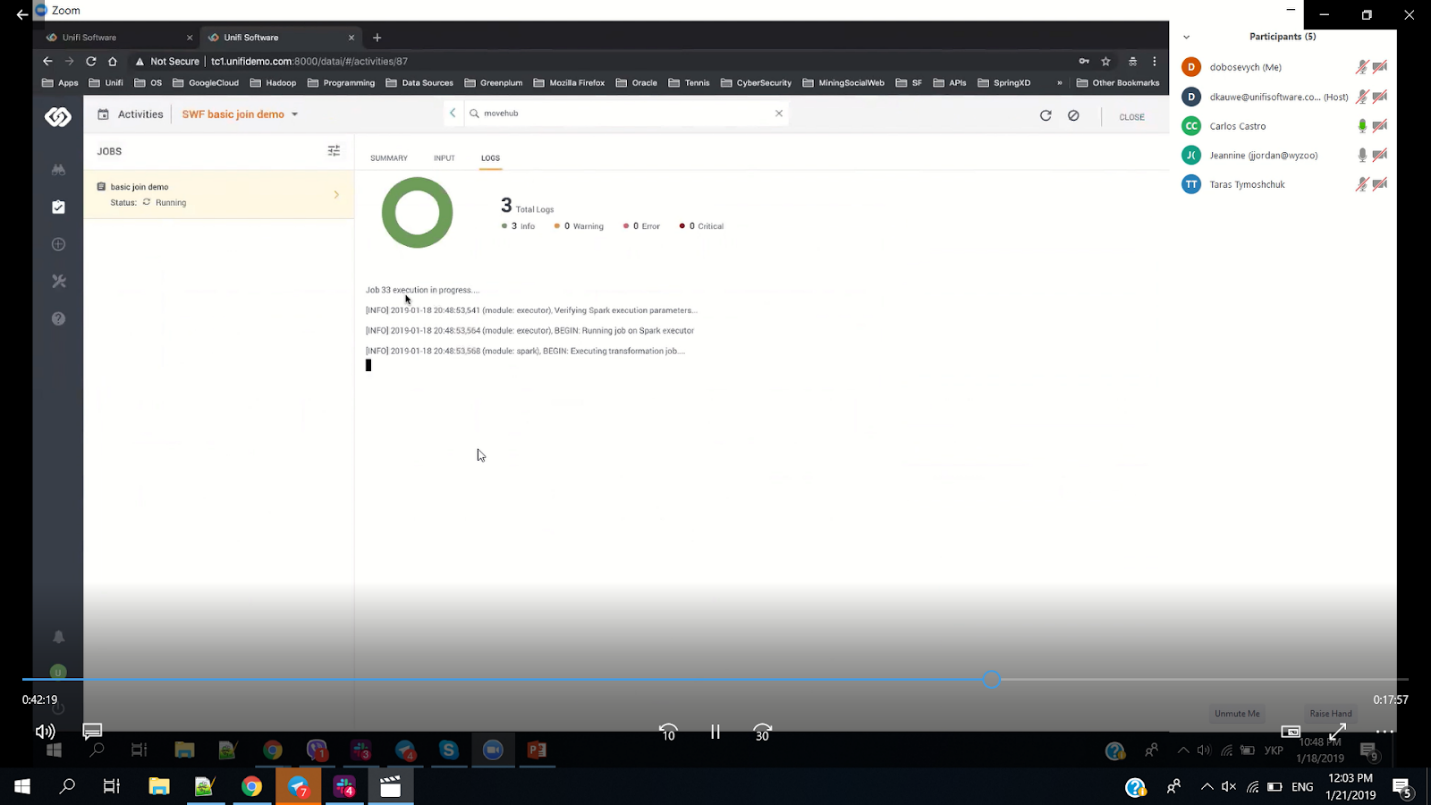
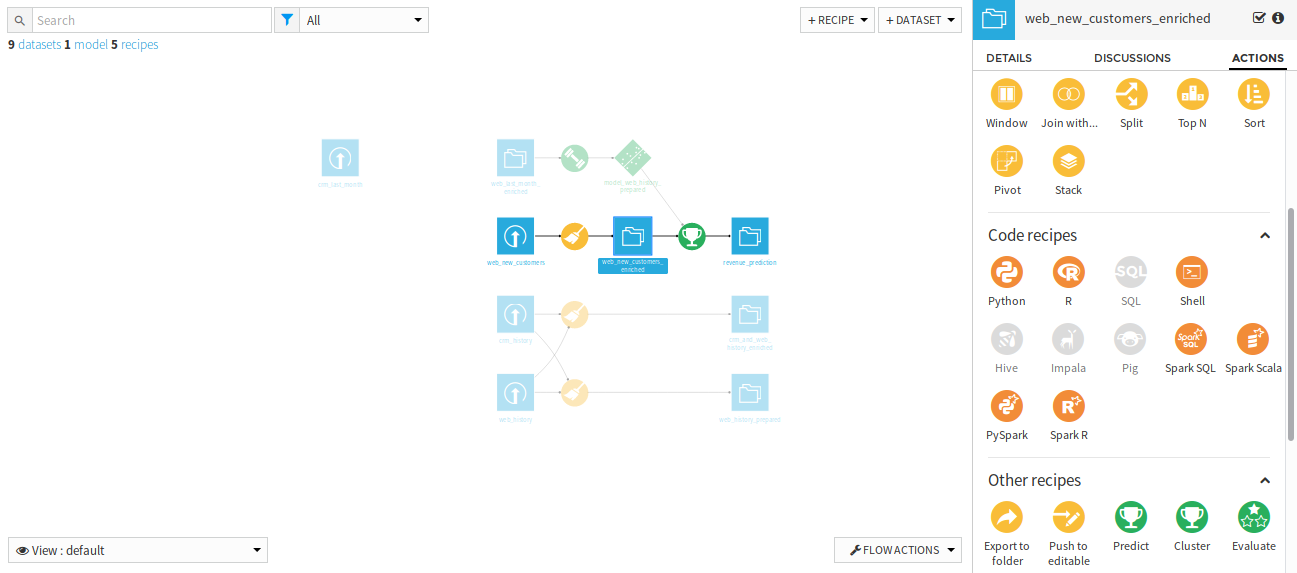
Another powerful data ingestion tool that we examined was Dataiku. Like Matillion, it could create workflow pipelines, using an easy-to-use drag and drop interface.
This is handled by creating a series of “recipes” following a standard flow that we saw in many other ETL tools, but specifically for the ingestion process.
Real Time Processing
Dataiku showed that it was capable of processing big data in real time.
File Formats
Dataiku proved that it could handle multiple datatypes without trouble. It was able to handle ZIP, JSON, and CSV files, and integrated CRM data well.
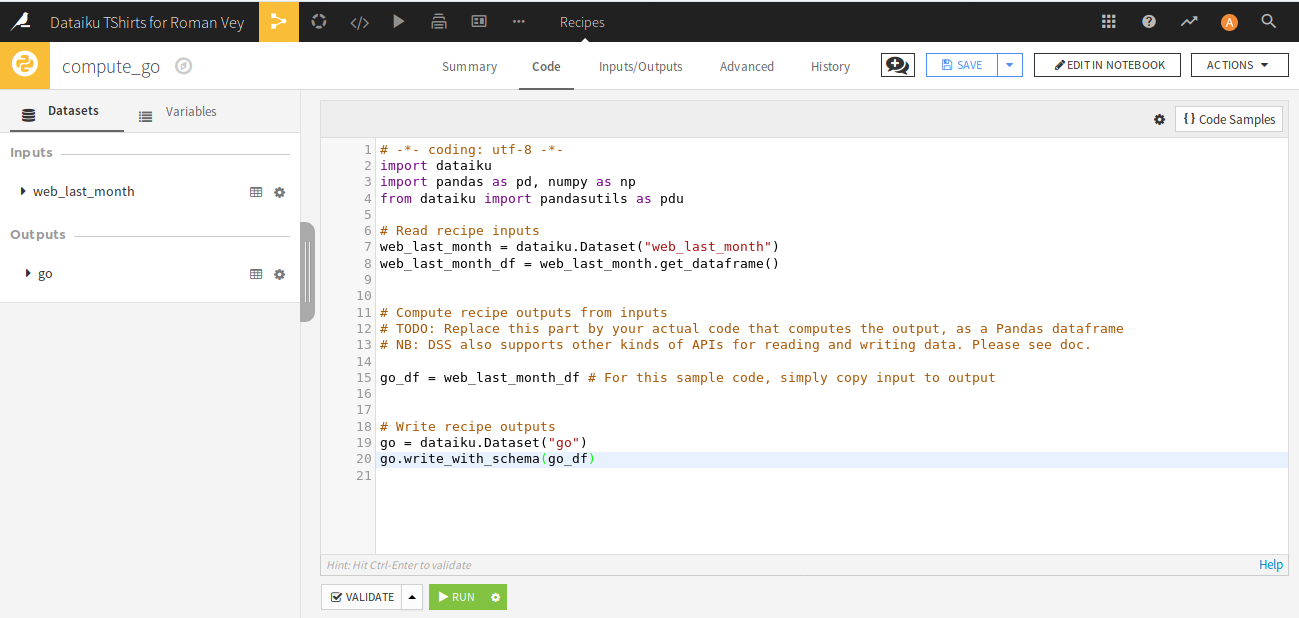
Dataiku provides some good code integration tools, built directly into the interface. It supports development in many different programming languages, making it relatively easy for experts to make modifications.
Data Type Detection
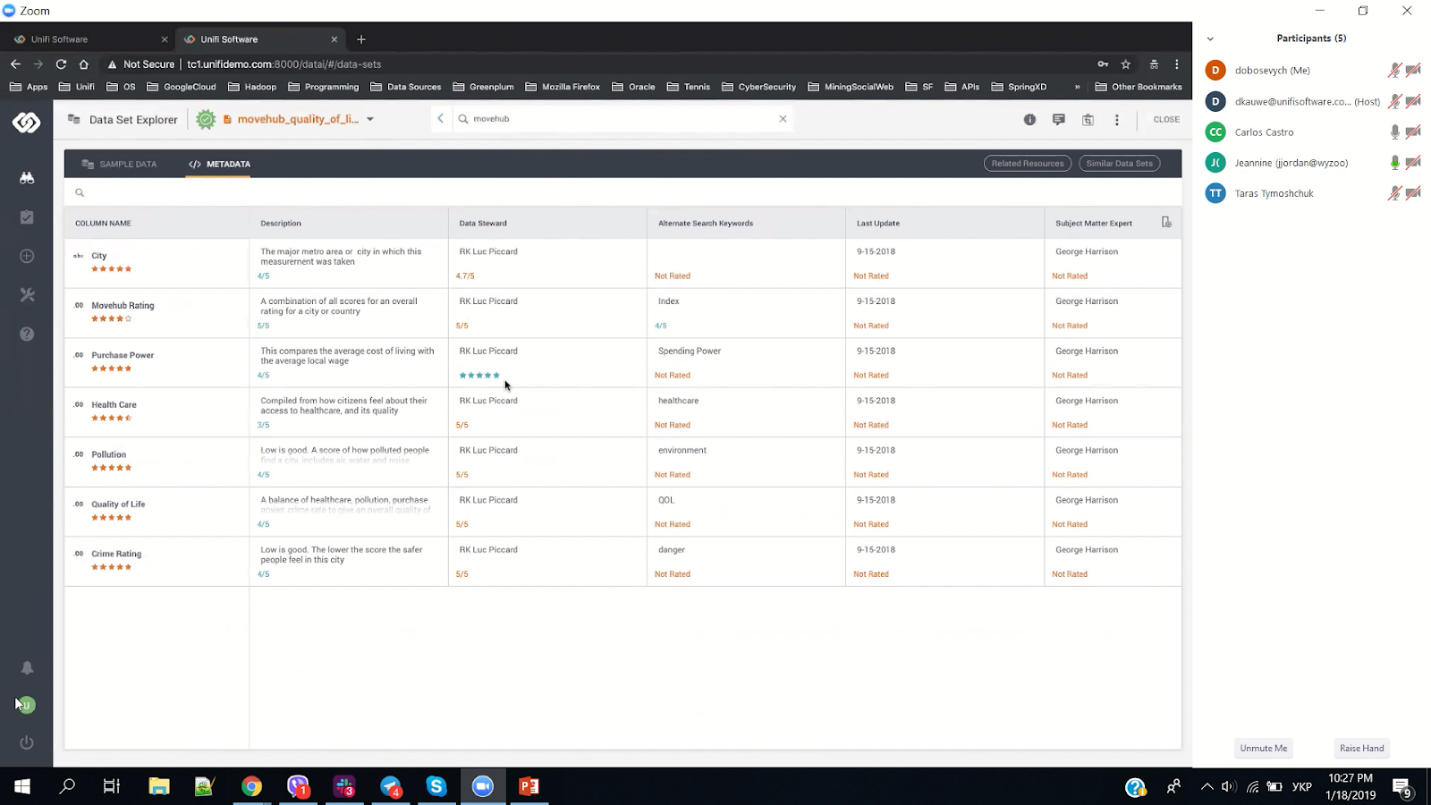
Dataiku could provide some basic information about datasets. It has field detection mechanisms needed for matching (email, address, name, surname, zip), as we can see below:
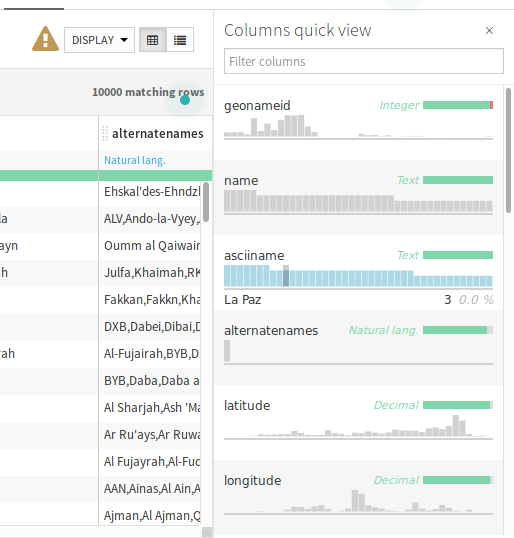
However, in our trials, we found that data recognition was weak. Dataiku has some functionality which is mostly incorporated into plugins. We tried a few of them, but none were as good as the internal product we were able to develop on our own for Xperra.
Documentation/APIs
They provide several good APIs for accessing the data with other applications. Some good documentation exists, and support is excellent. However, given the nature of the product itself, which is quite complex, to truly be able to gain the most out of Dataiku, one would need professional data scientist skills, and/or to be a technology professional. Support for a complex product can often be only as good as the skillset of the user.
Custom Coding Needed
As mentioned, Dataiku is a complex product designed for data science professionals. While much of the application will run without needing coding, it is designed more as a tool which can be modified to specific needs. So, while custom coding may not be needed, to really get the most out of this tool, it is recommended.
Duplicate File Checking
Does not have the ability to check for already uploaded datasets – we were able to load duplicates without any warnings, which could lead to trouble down the road.
Trial Version
Dataiku provided a useful trial version for evaluating the functionality of the application, but the trial was not designed for Big Data processing, so actual performance could not be determined.
Real Time Reporting
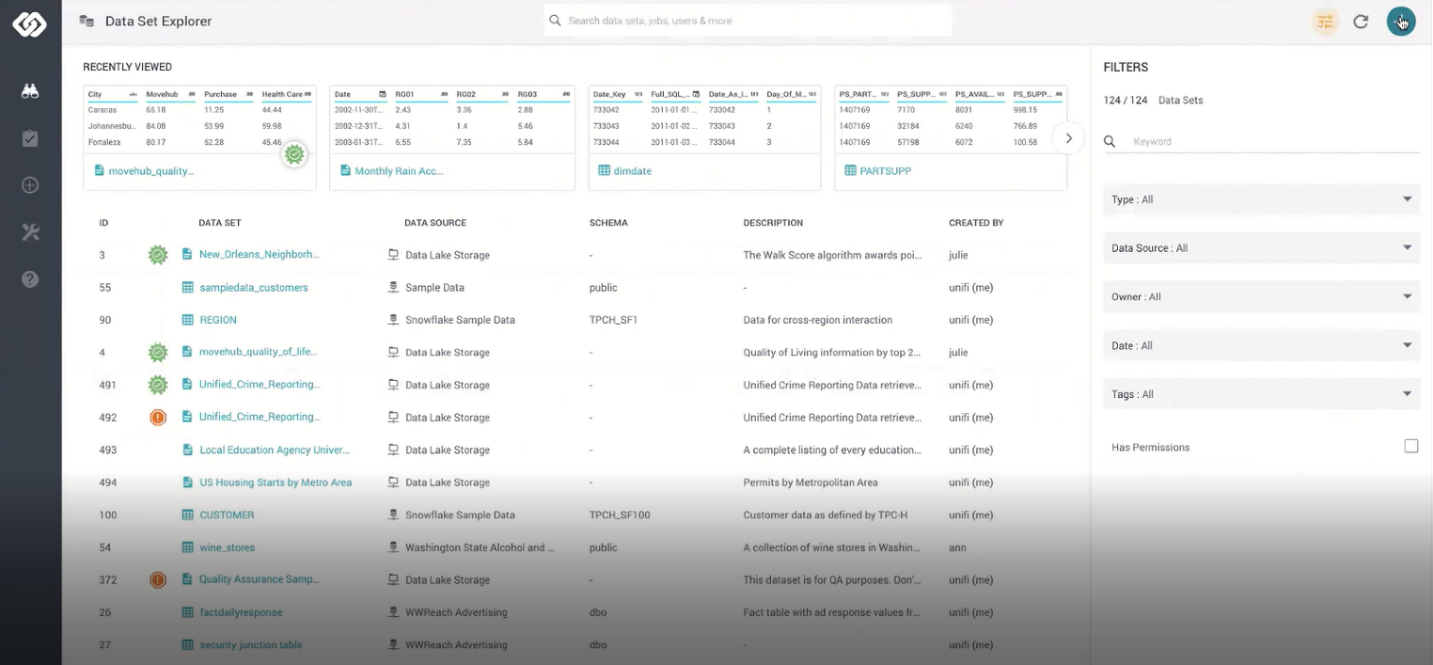
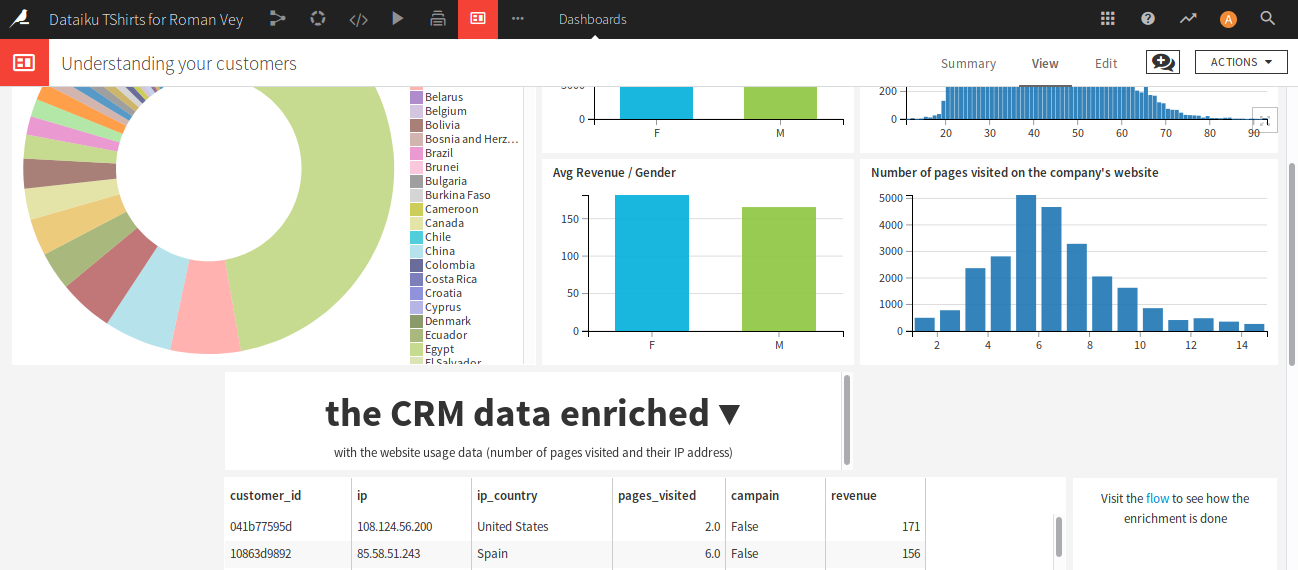
One of Dataiku’s strengths is its robust reporting. They provide real-time data logging, and some excellent visual tools. For instance, here is an image of a data visualization dashboard:
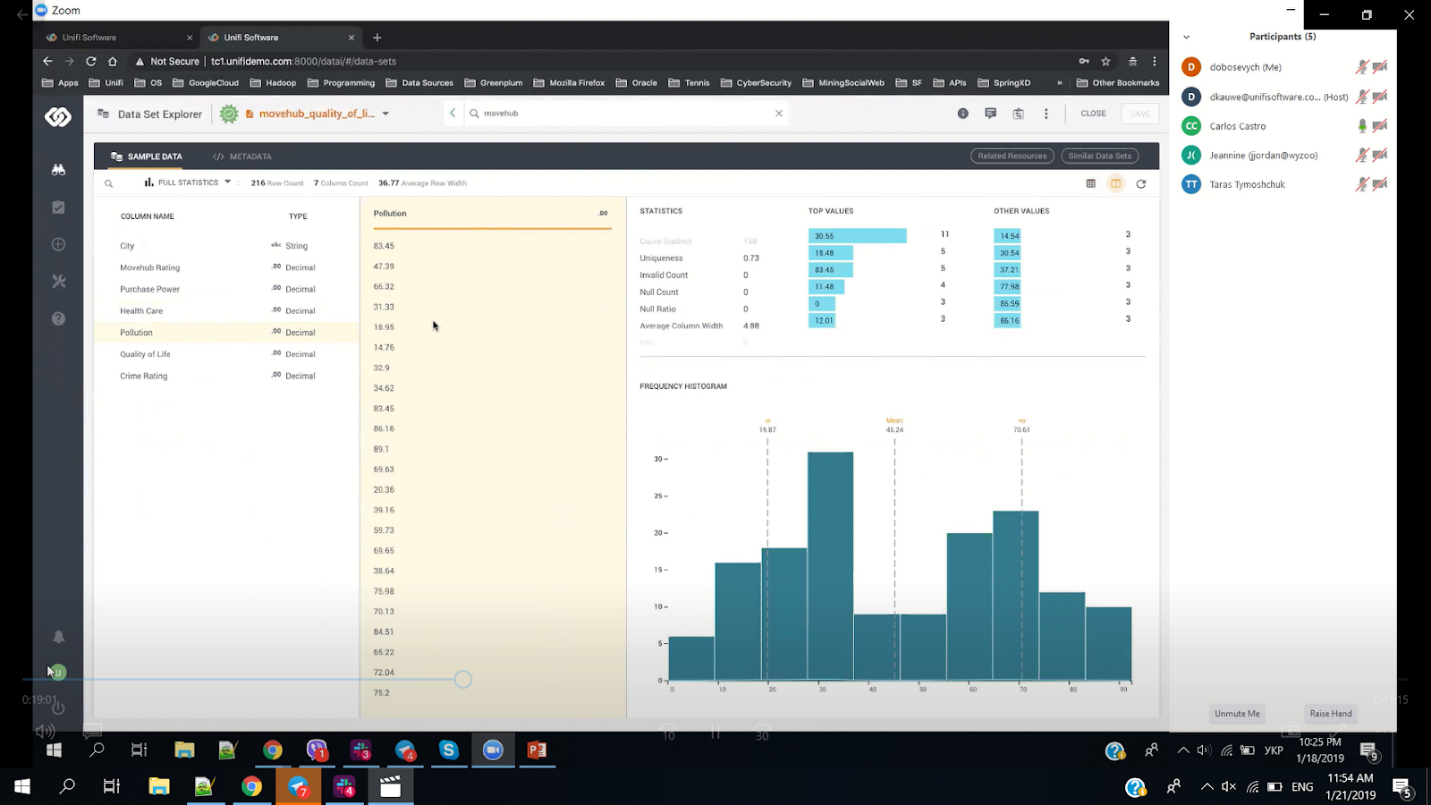
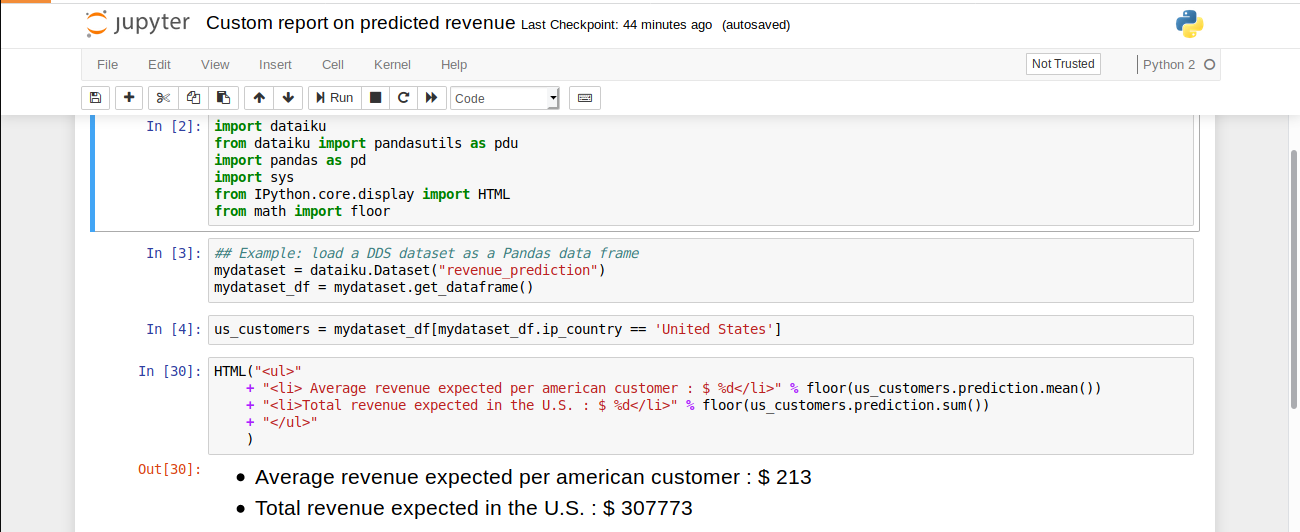
One can also create one’s own custom reporting, as we can see below:
Summary
Overall, Dataiku provides a considerably high level of quality. The tool itself is not, however, designed specifically for business users. To gain the most out of its functionality, and to be able to make any modifications and/or use the plugins requires a level of expertise that typically requires technology professionals.